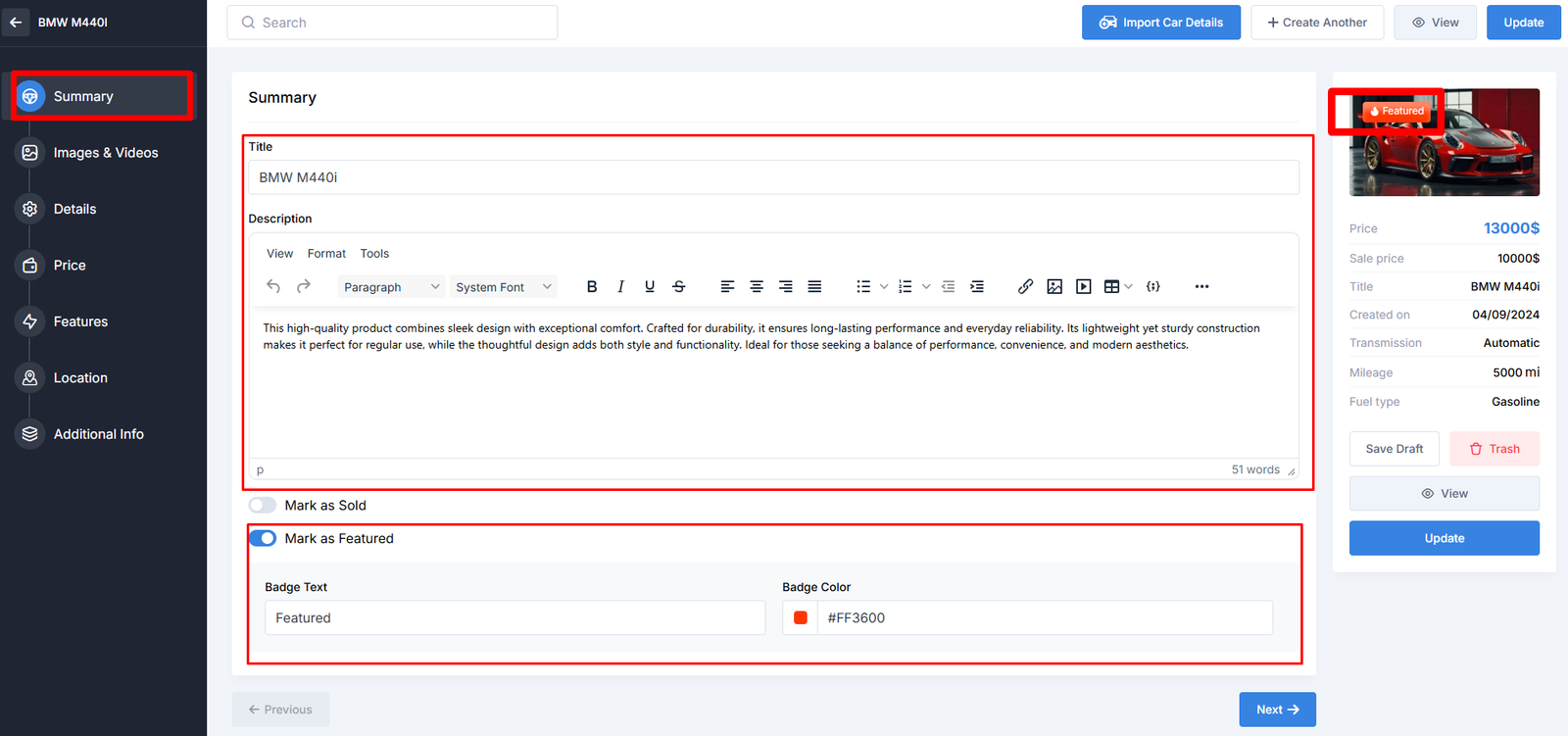
This tab includes basic information about the listing, such as the title and description. You can also set featured or sold status, and configure the display badge text and color.
Here’s the Summary section details.
- Title
- Description
- Mark as Sold
- Mark as Featured
Builder Area:
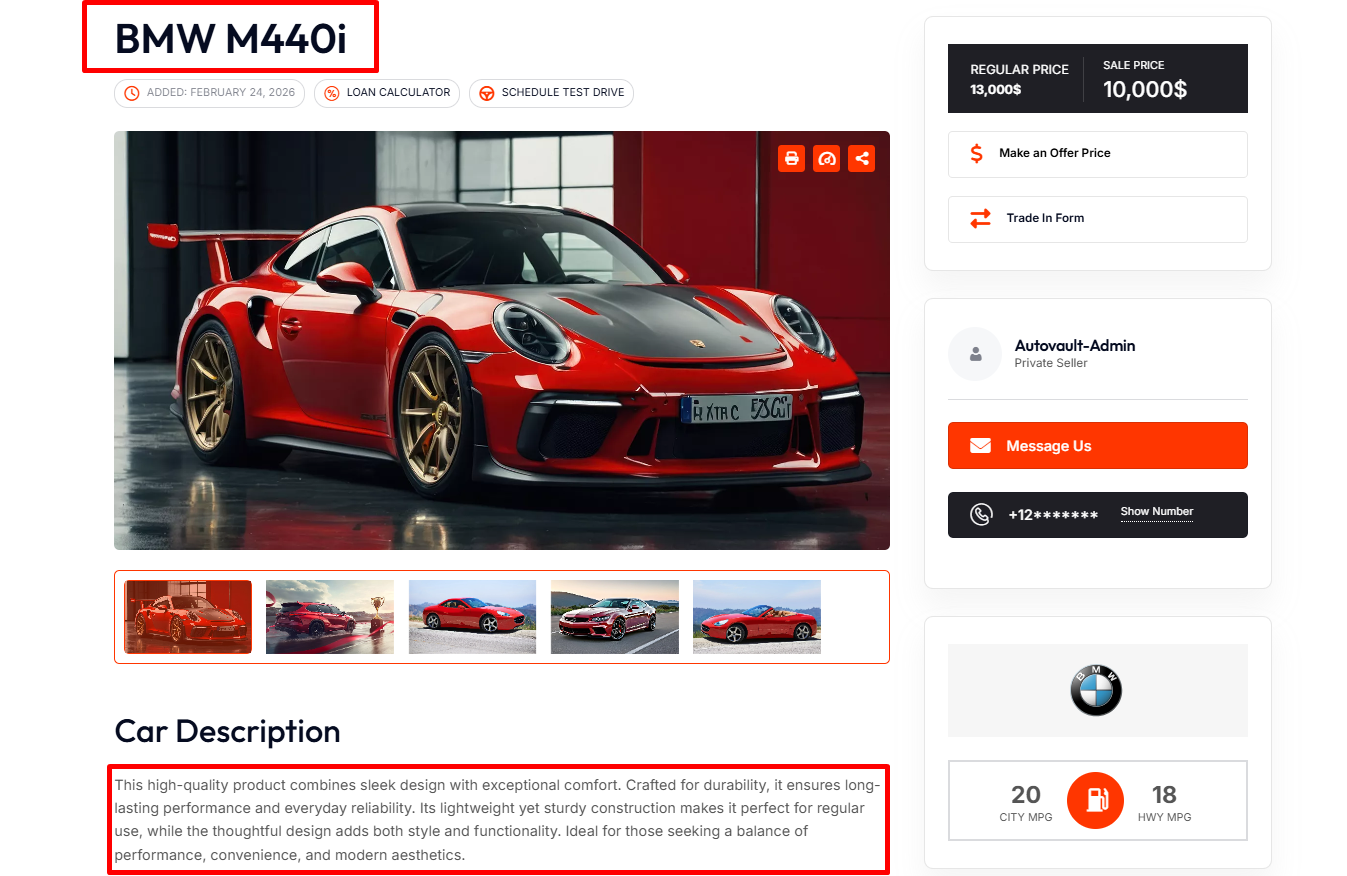
Preview Area:
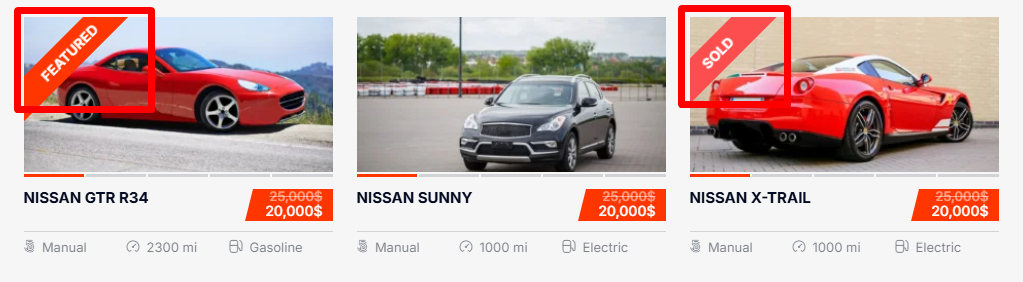
Mark as Featured: The listing will be highlighted as featured on the search results page and in other promotional places.
Mark as Sold: The Sold badge to the listing. You can adjust the Sold Listing preferences in Motors Plugin Settings.