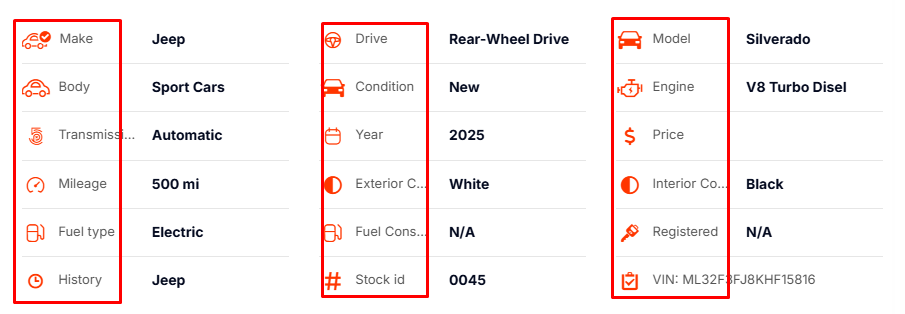
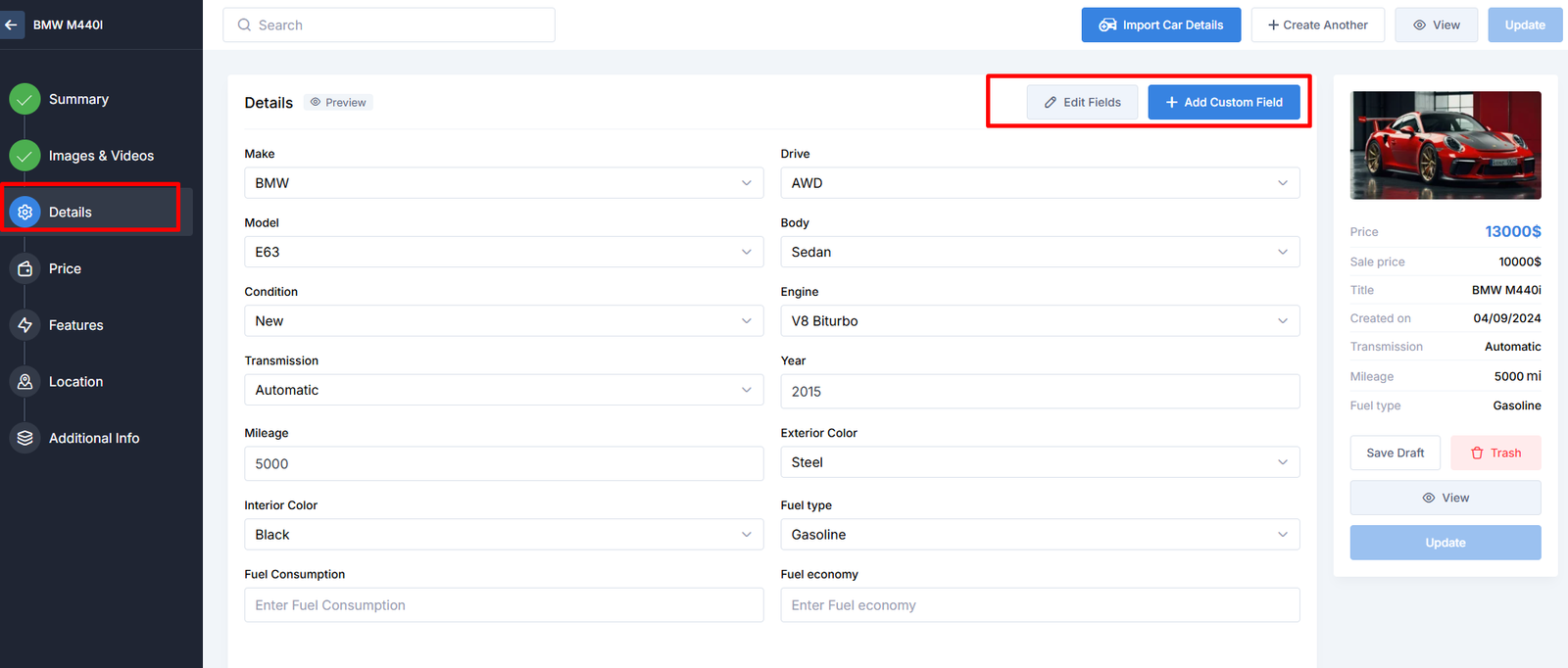
Under the details tab, you can select taxonomies that belong to the listing from Custom Fields (Listing Categories), edit or create new ones.
Here’s the Details section details.
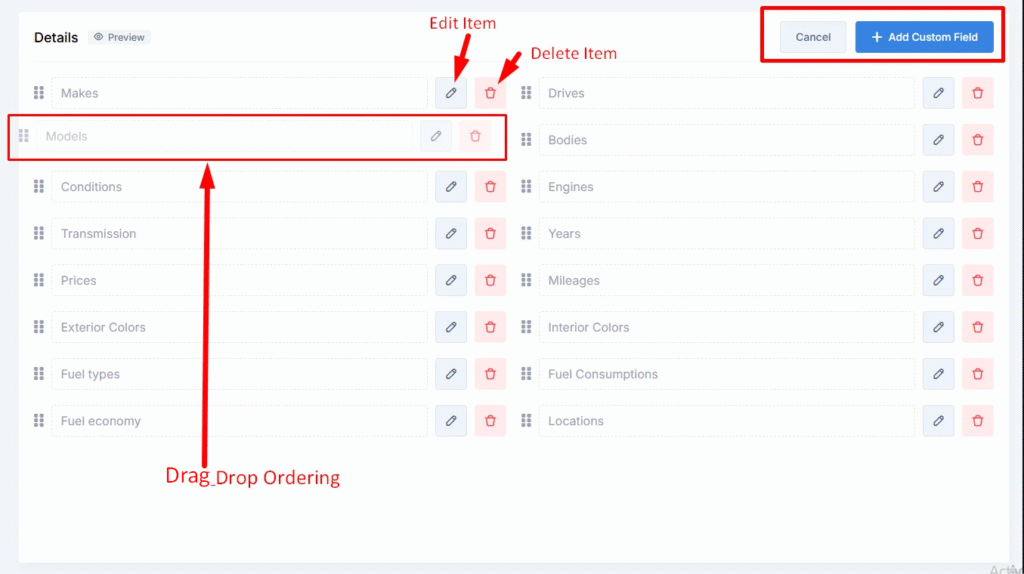
- Edit Field Item
- Drag and Drop Item
- Edit Single Item Settings
Builder Area:
Editing Details Item Fields:
If you tap on Edit Fields, it opens a window where you can modify the current custom fields, add new items, or create new options.
If you click on Edit Icon, it opens a window where you can modify this General, Display Settings, Filter Settings, Terms, and Skins settings.
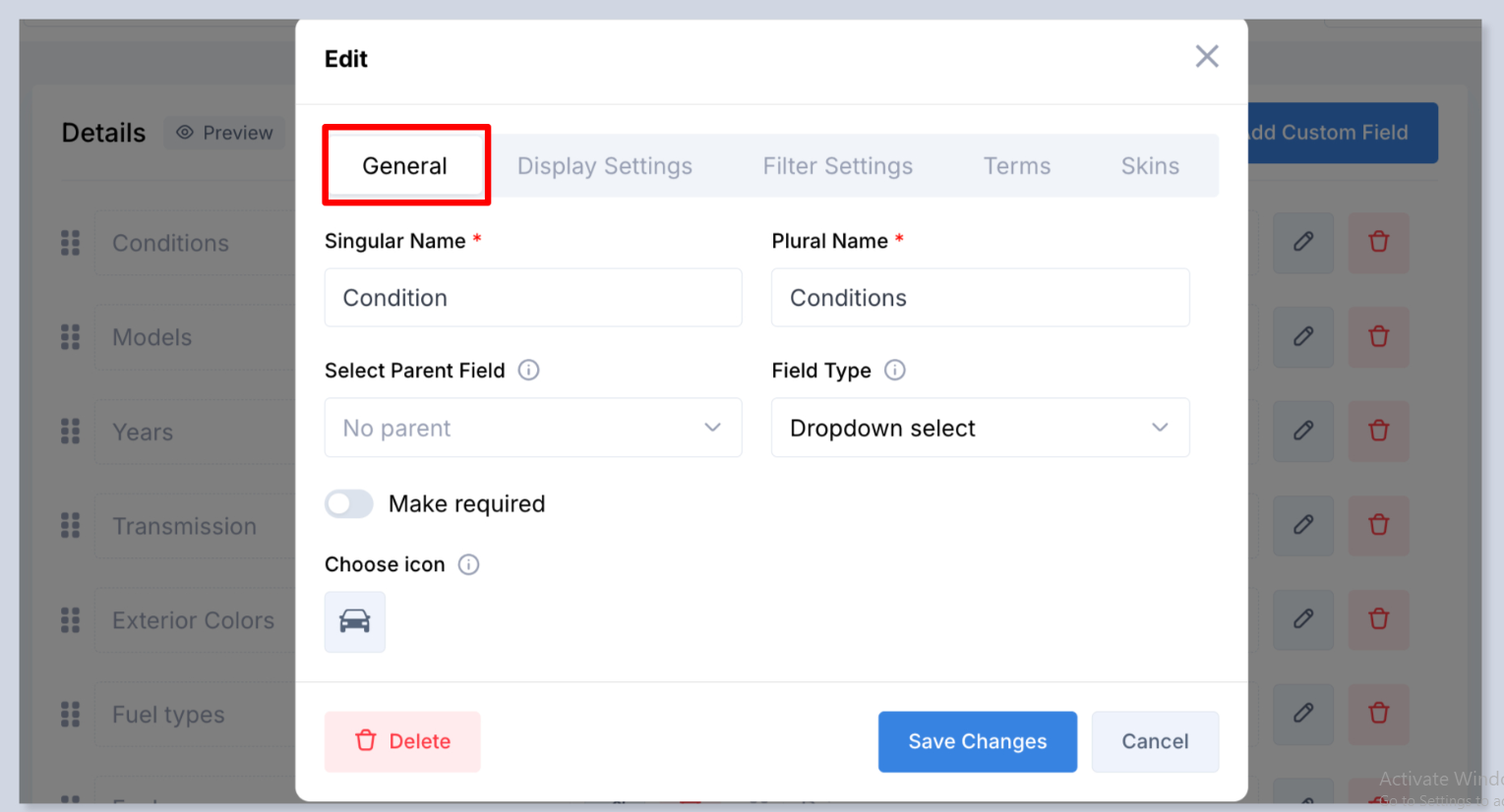
This all option details here: Click Here
Preview Area: