
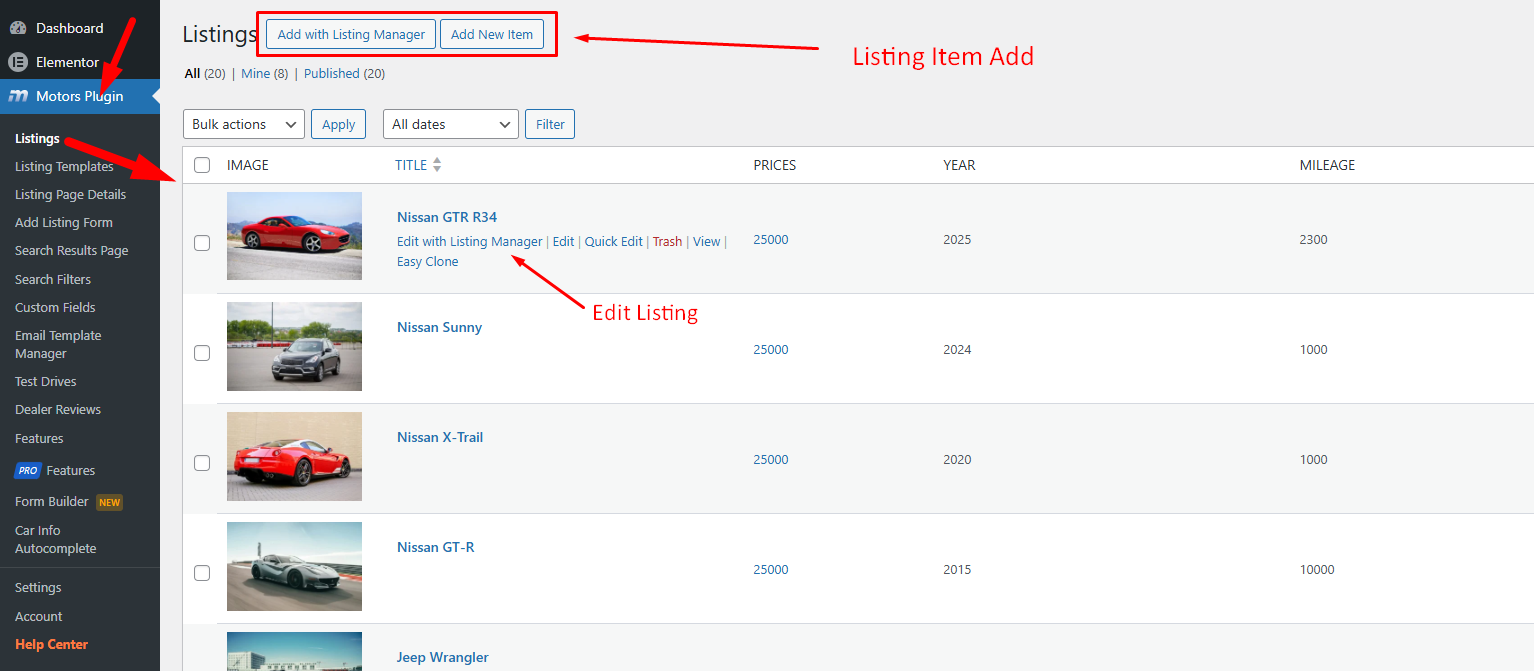
Motors Plugin > Listings and click the Add with Listing Manager button
The Listing Manager is a redesigned and centralized editing tool that allows you to manage all aspects of your listings in one place.
To access the new Listing Manager, go to Dashboard > Motors Plugin > Listings and either click the Add with Listing Manager button to create a new listing or choose an existing listing from the list and click Edit with Listing Manager:
The Listing Manager is organized into seven tabs: