
If you Want to build your site like the demo? You can do it with only one click!
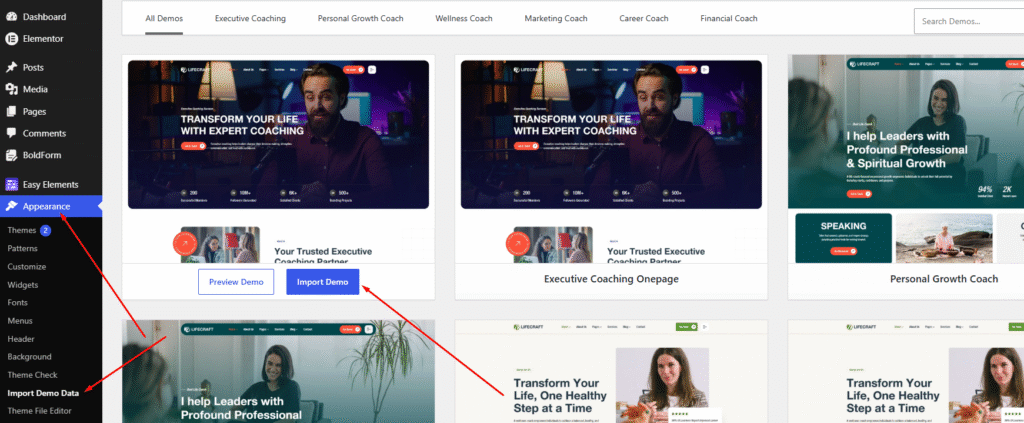
- First Select Import demo data under Appearance.
2. Then Chose your demo and click to import demo data
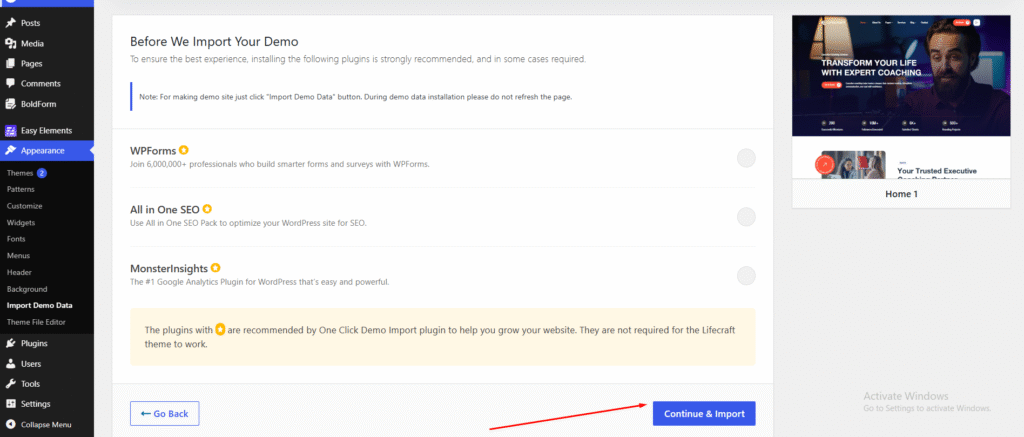
3. Click Continue & Import to proceed.
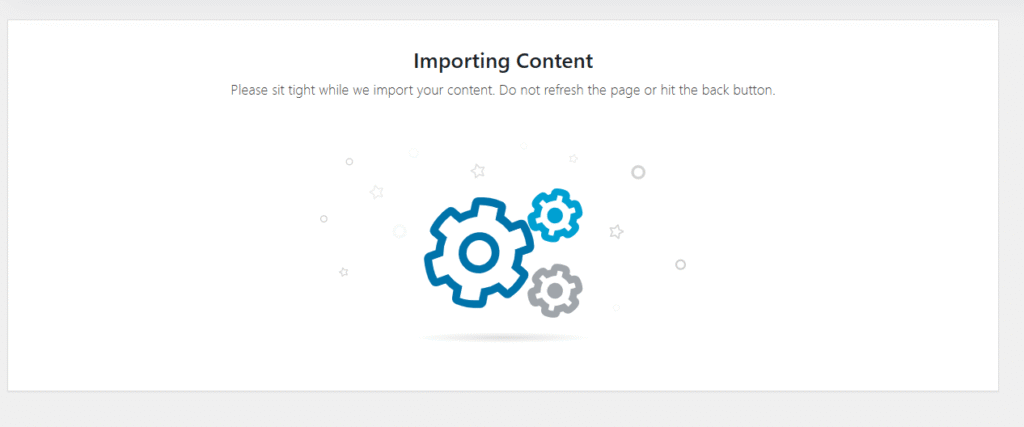
The import is in progress. Please wait…
4. After the import is complete, the message “Import Complete!” will appear. Click “Visit Site” to continue.