
Go to Theme Options → Colours and Fonts. This opens InfoMag Options in the Customizer, where you see every change live on the right before you publish it.
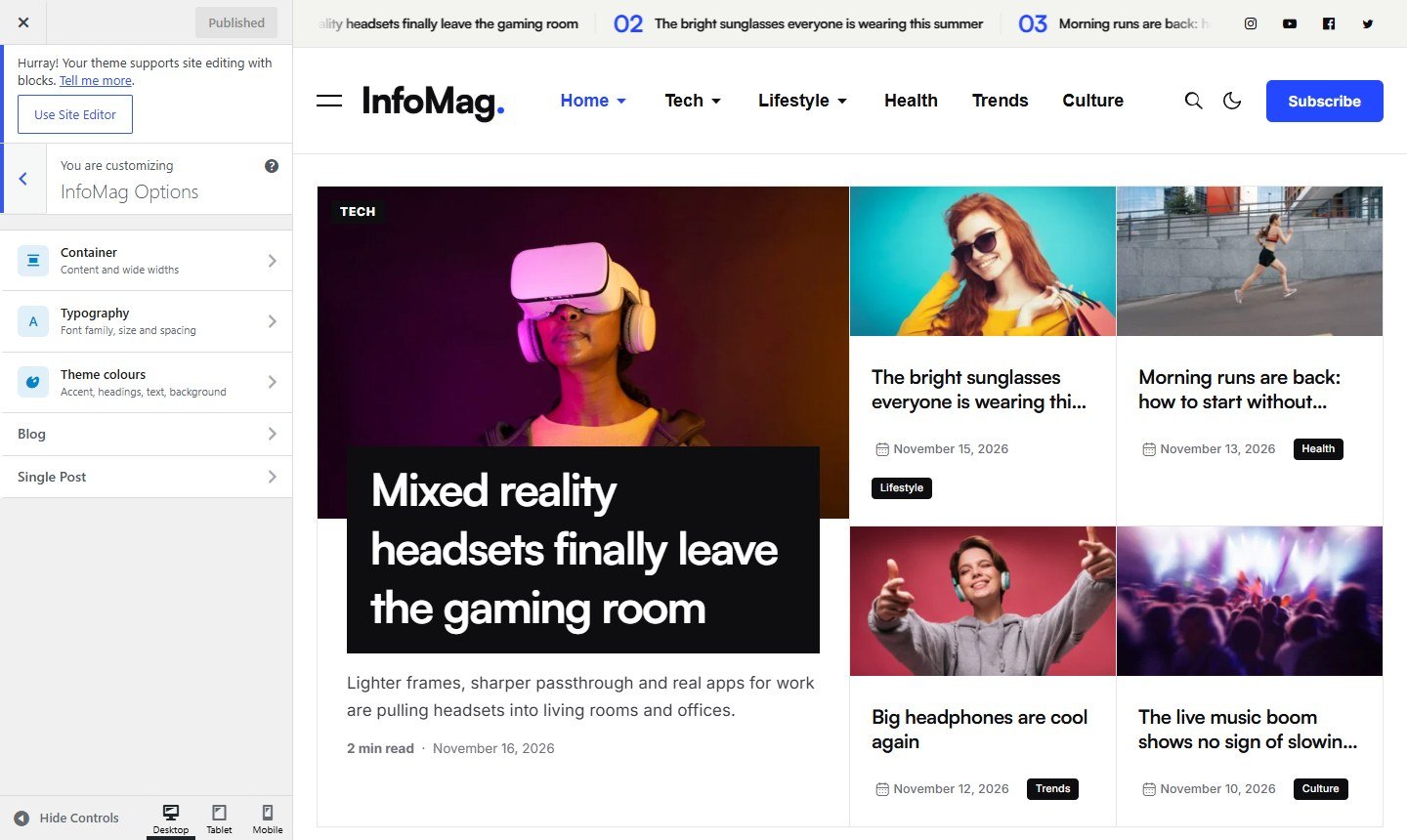
- Container: how wide the content is.
- Typography: body font and heading font.
- Theme colours: primary, heading, body text and link colours.
- Blog: the post list, category, tag and search pages.
- Single Post: the page of one post.
Click Publish at the top to save. The imported demo uses these colours and fonts, so one change here updates the whole site.