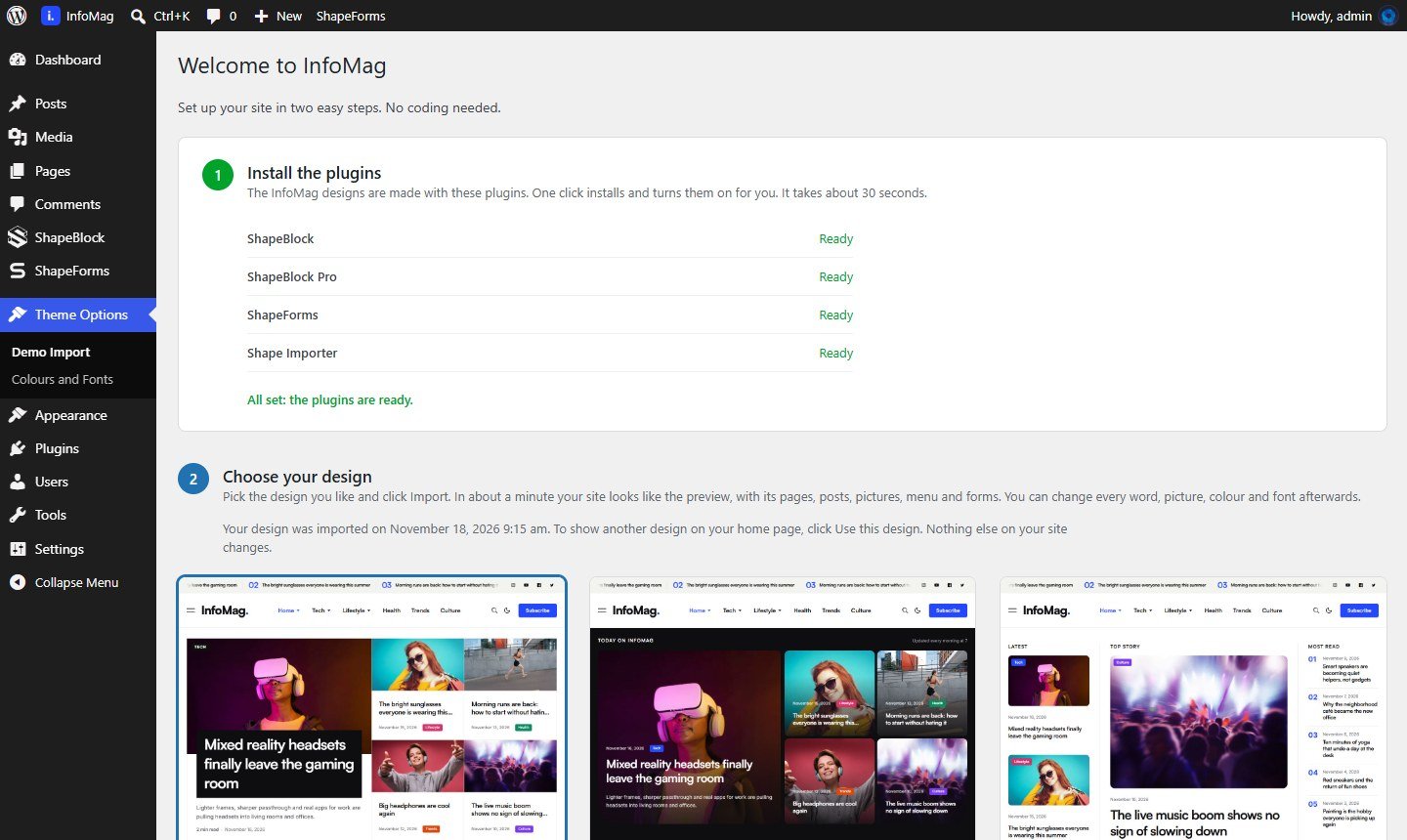
Switch between the three designs
After one import, all three home pages are on your site. To use another design as your home page, go to Theme Options → Demo Import and click Use this design under it. It switches at once; nothing is downloaded again.
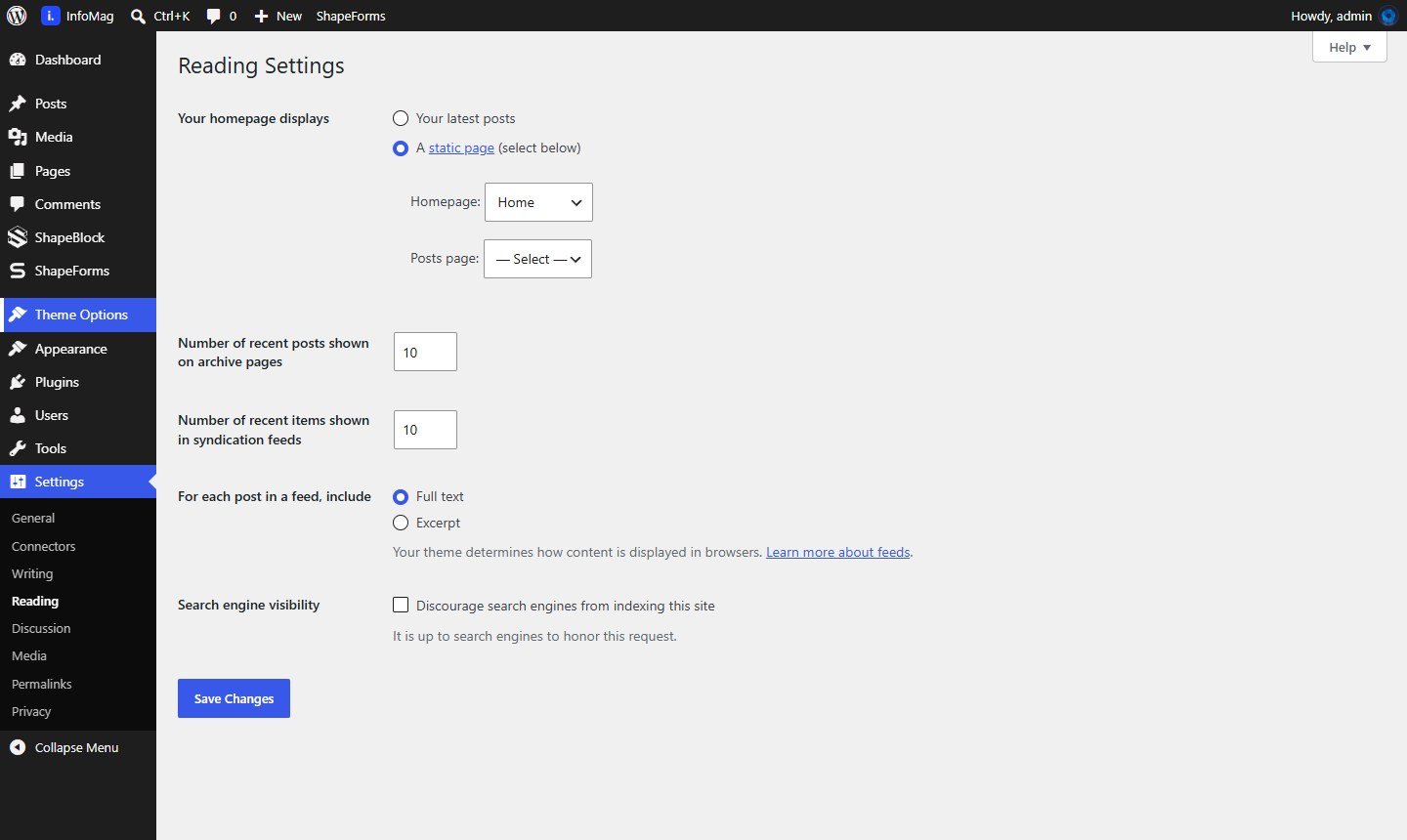
 Use any page as the home page
- Go to Settings → Reading.
- Under Your homepage displays, choose A static page.
- Pick your page as Homepage (and a page for Posts page if you want a blog page).
- Click Save Changes.