
1. Download the theme
Go to your ThemeForest account → Downloads, find InfoMag and choose Installable WordPress file only. This gives you infomag.zip. (If you download “All files & documentation”, unzip it first: infomag.zip is inside.)
2. Upload and activate
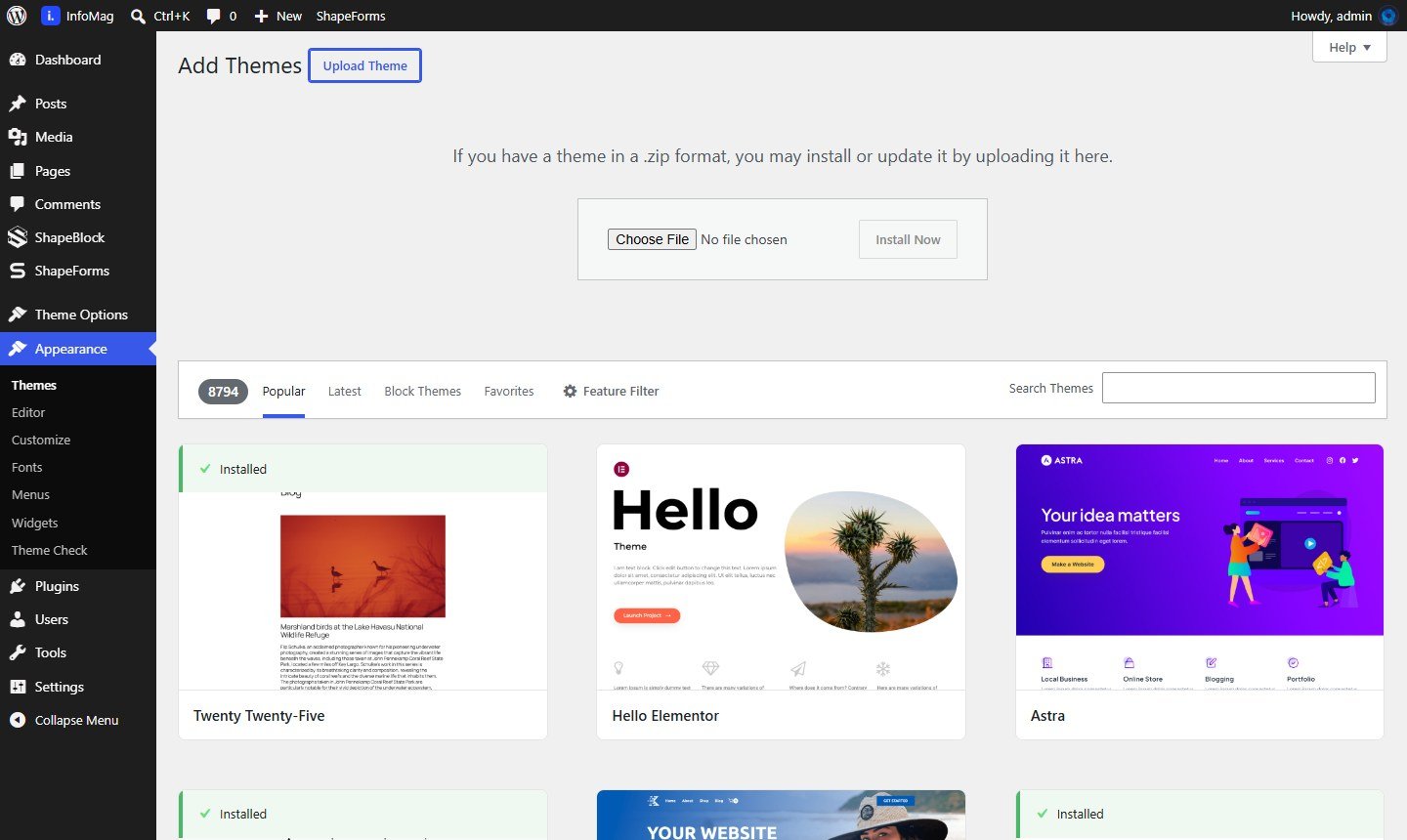
- In WordPress go to Appearance → Themes and click Add New Theme.
- Click Upload Theme, choose infomag.zip and click Install Now.
- When it says the theme was installed, click Activate.
After you click Activate, InfoMag takes you straight to its setup page (Theme Options → Demo Import). Continue with Required Plugins.
Upload by FTP (optional)
Unzip infomag.zip and upload the infomag folder to /wp-content/themes/ on your server. Then activate it under Appearance → Themes.