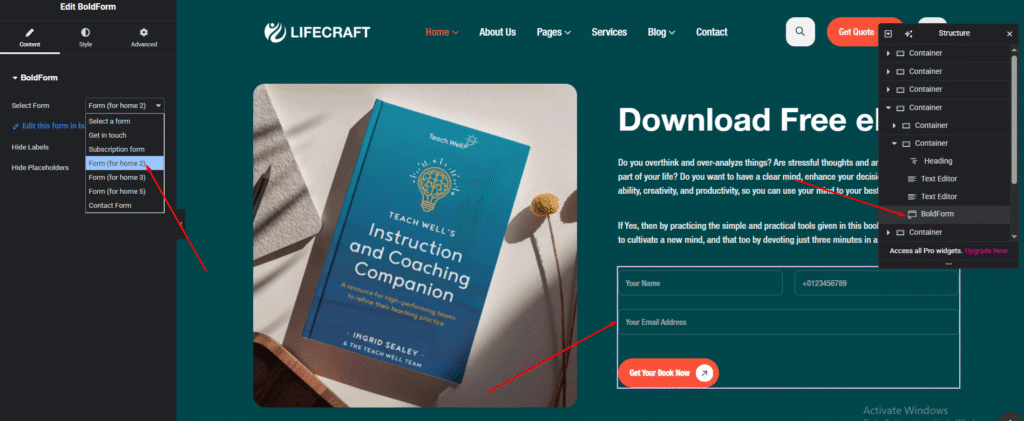
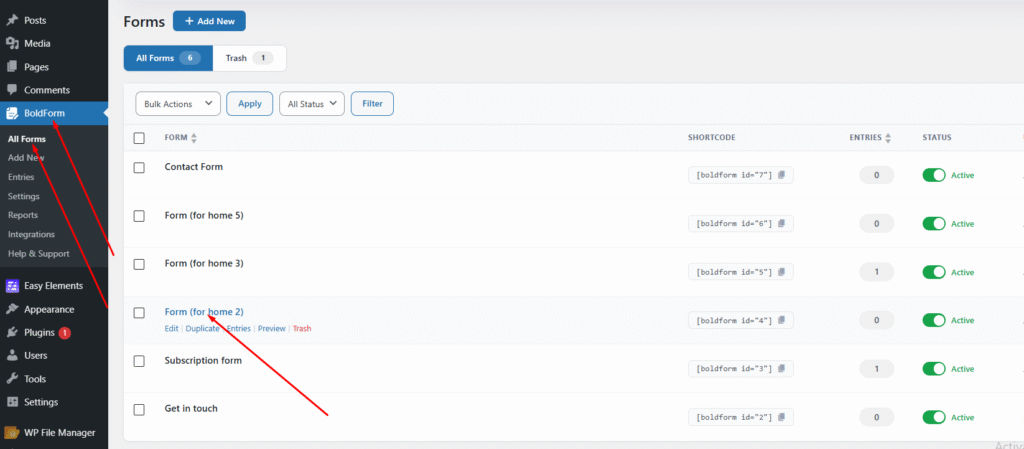
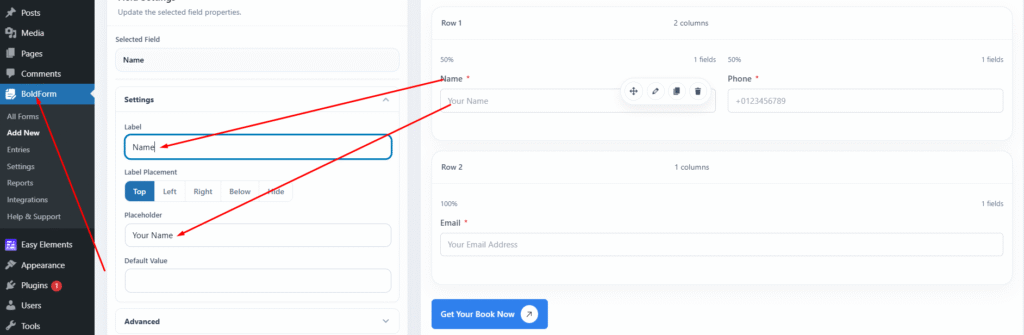
First, identify the selected form name. Then navigate to the dashboard and go to BoldForm > All Forms. Open the specific form, where you can edit the title, placeholder text, required fields, and other settings.
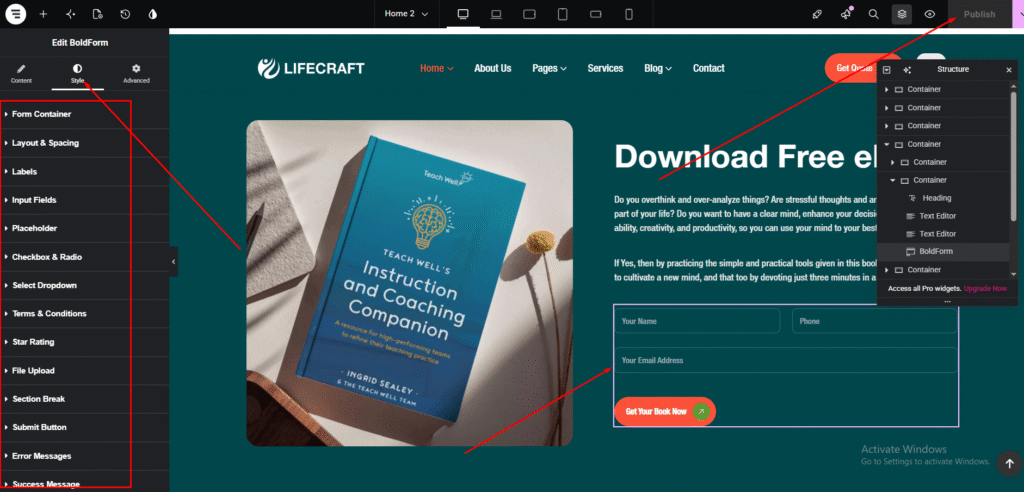
To style the form fields, including text color, placeholder color, typography, and other settings, open the page in Elementor. Select the form widget, then go to the Style tab and adjust the design options as needed.