
Appearance → Ekomart Options → Shop Settings
Global Shop Settings
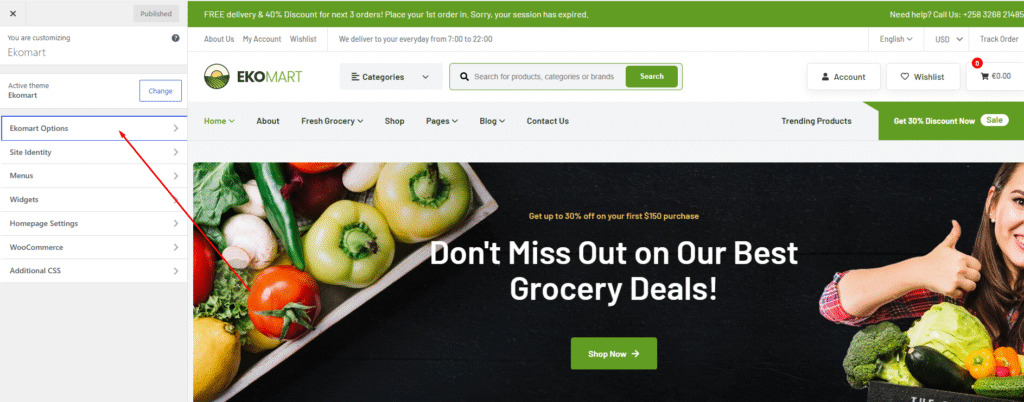
Then Click Shop
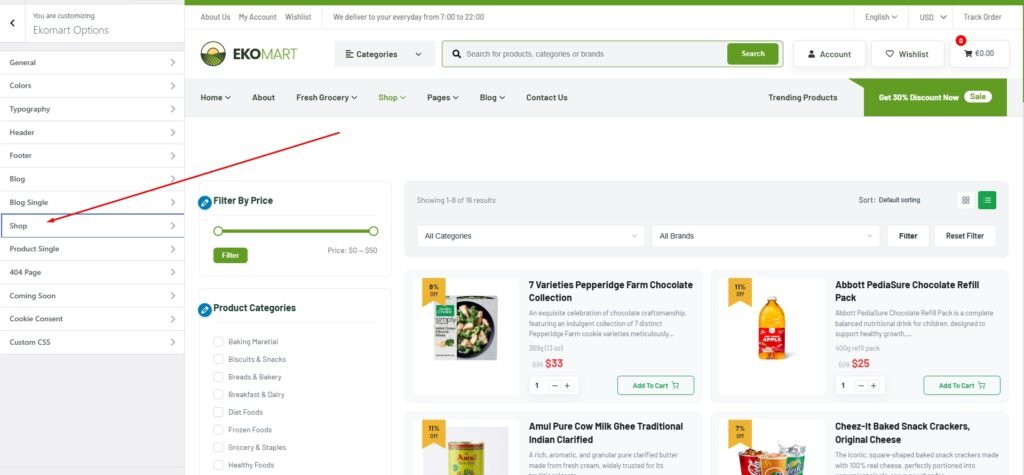
Then show this UI
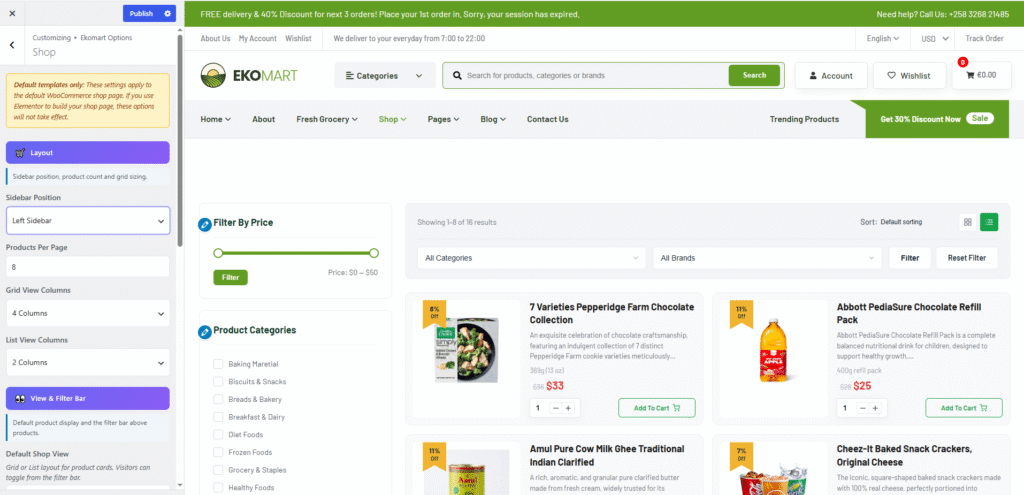
We use the theme’s default shop template option, which allows you to customize sidebar position, products per page, grid view columns, and list view columns directly from the Customizer.
Please Note: If you use the Elementor Theme Builder to design the shop page, these Customizer options will not be applied to that layout.
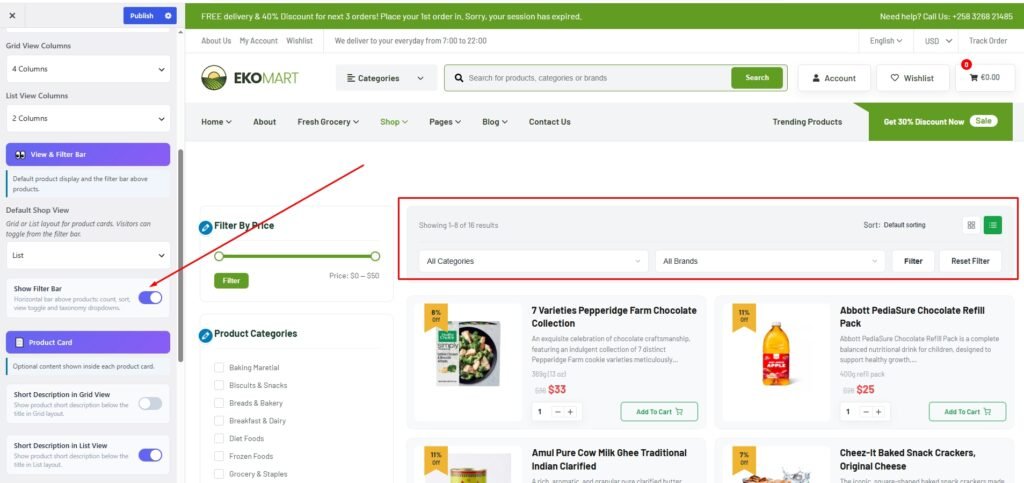
You can enable or disable the filter option for your shop page from here.
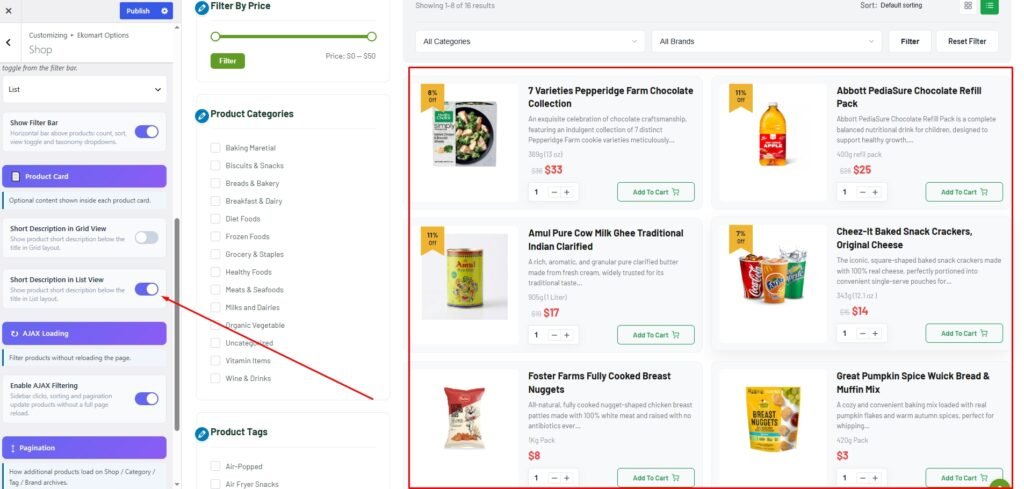
You can set the Grid view or List view layout for your shop page from here. You can also enable the AJAX loading option for smoother product filtering and search without page reload.
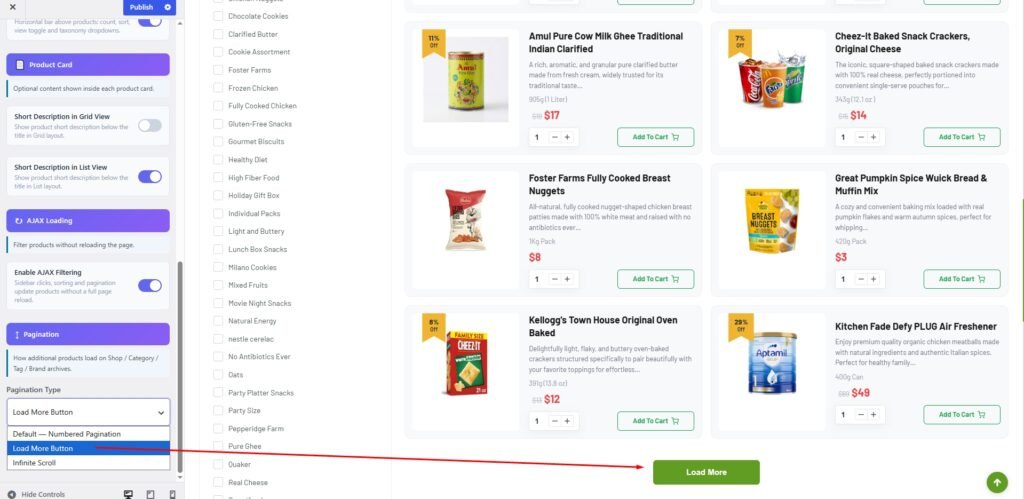
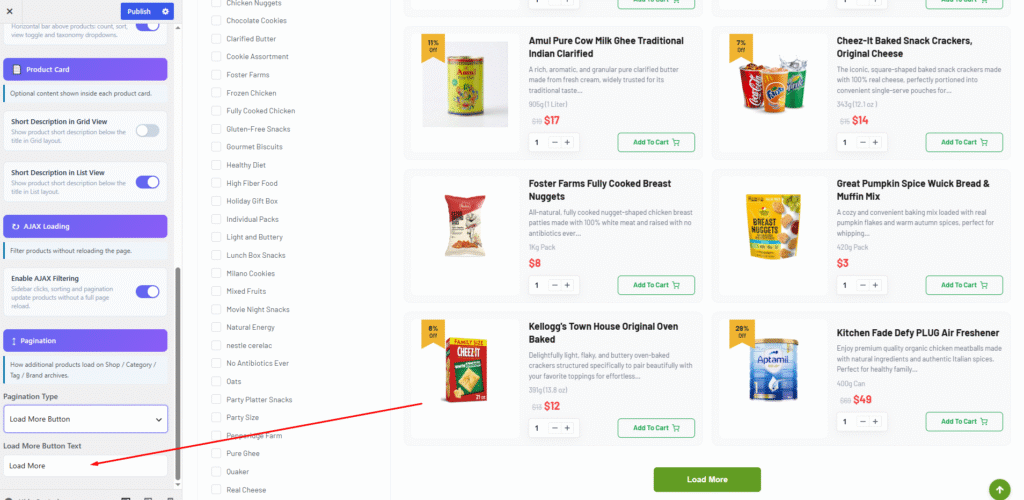
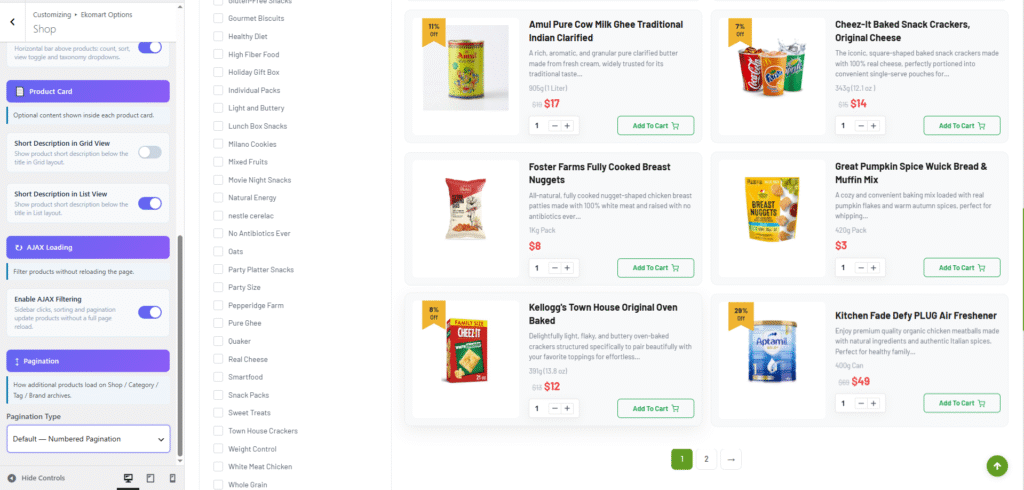
You can change the product “Load More” button type from this dropdown option, and you can also customize the “Load More” button text.