
Manage Header and Footer Setting
Navigate to Appearance → Customizer → Regalis Options → Header to customize your header settings.
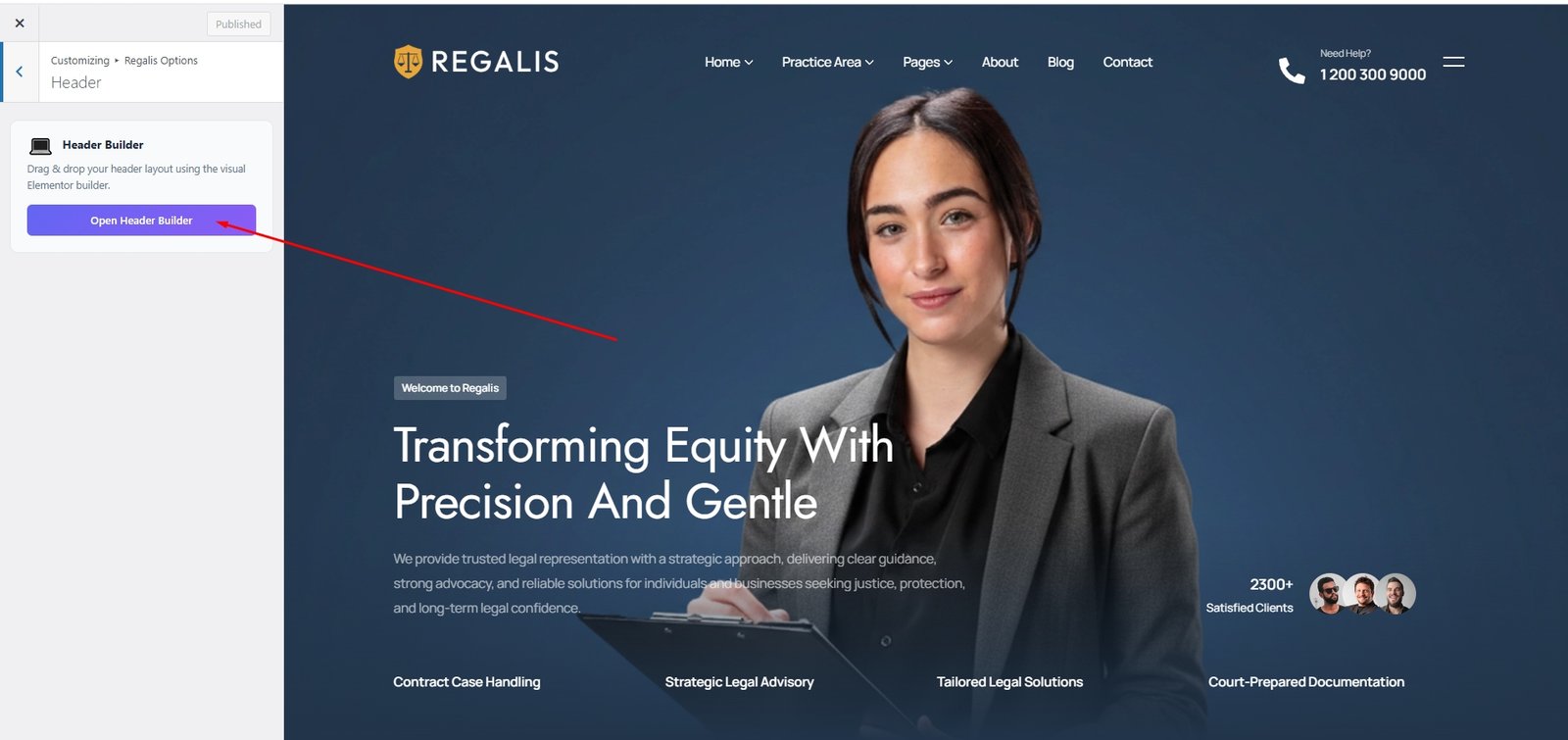
Then you can edit your header or footer information easily.
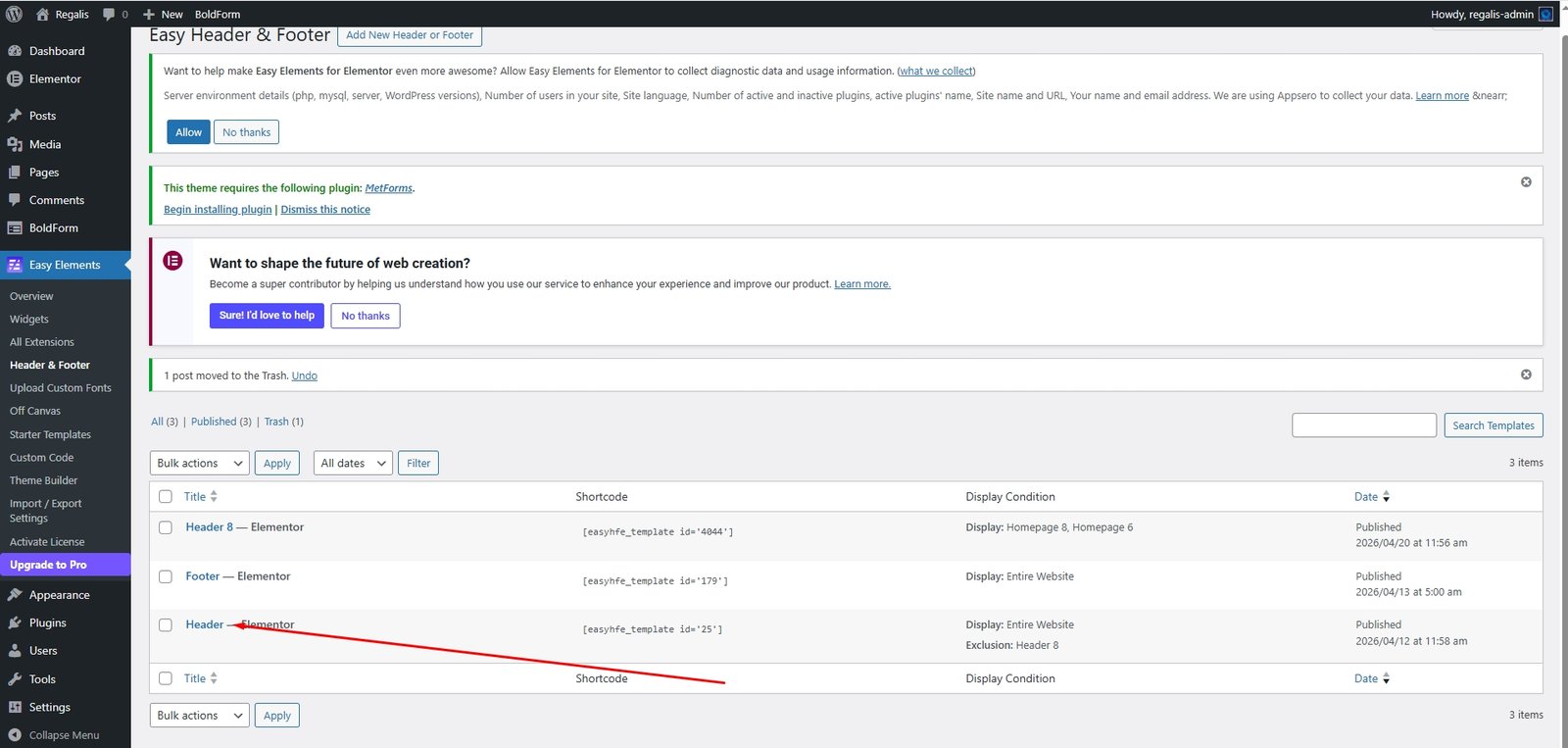
Then you can easily add the site logo, menu, and as like you want using elementor. You can add anything using drag & drop system.
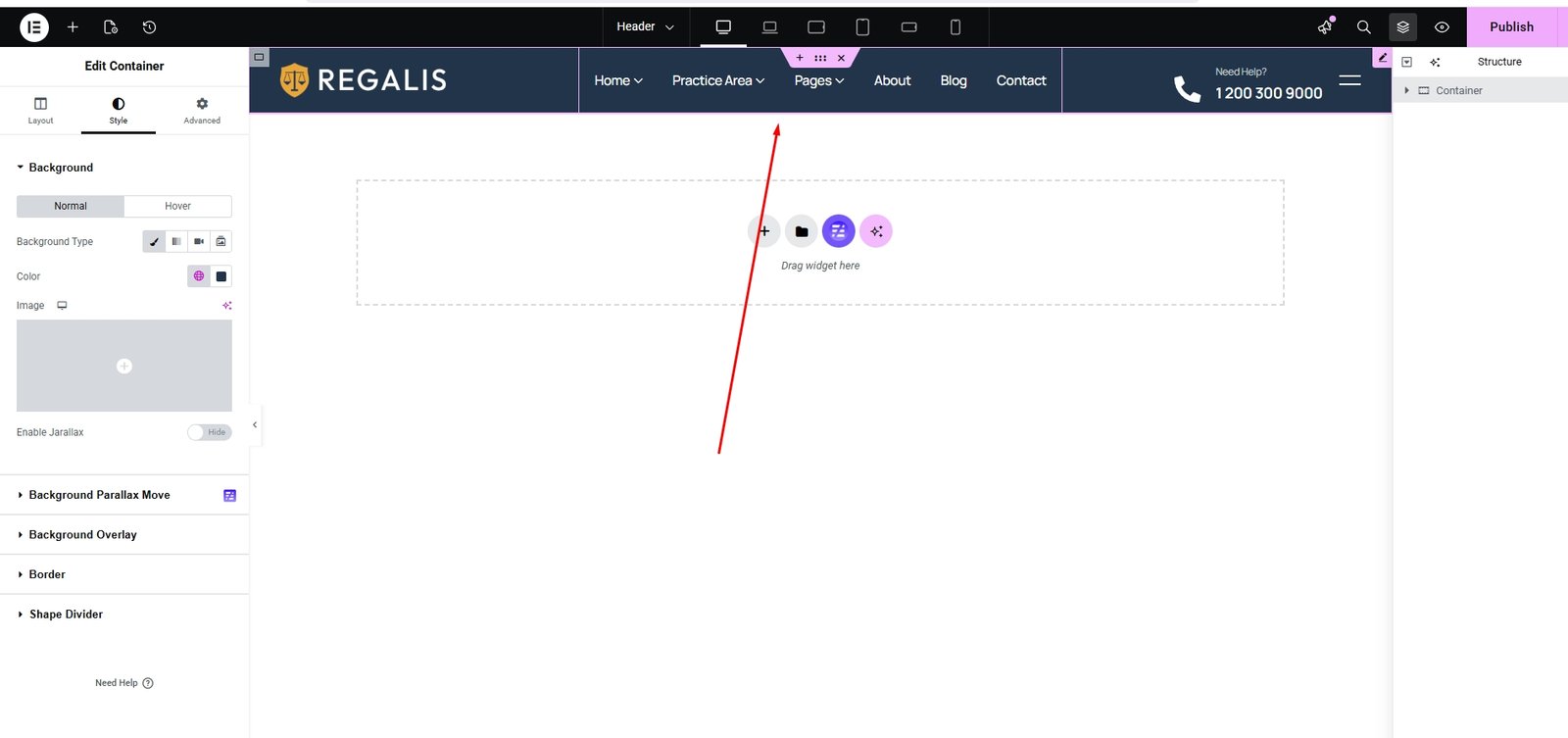
Here is the Header Builder interface. You can add anything you need to your header from here.
Footer Builder
Navigate to Appearance → Customizer → Regalis Options → Footer to customize your footer settings.
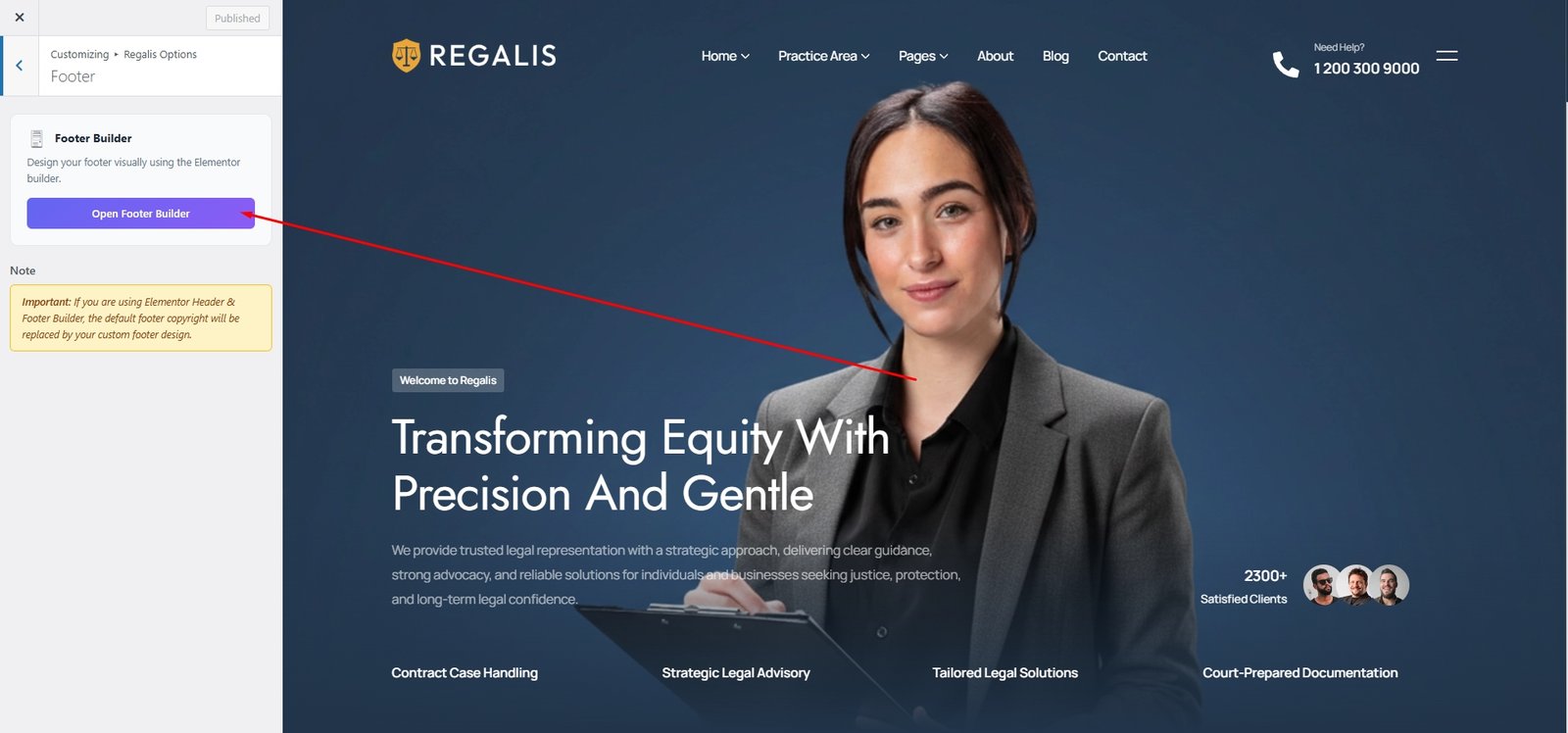
Then you can edit your footer information easily.
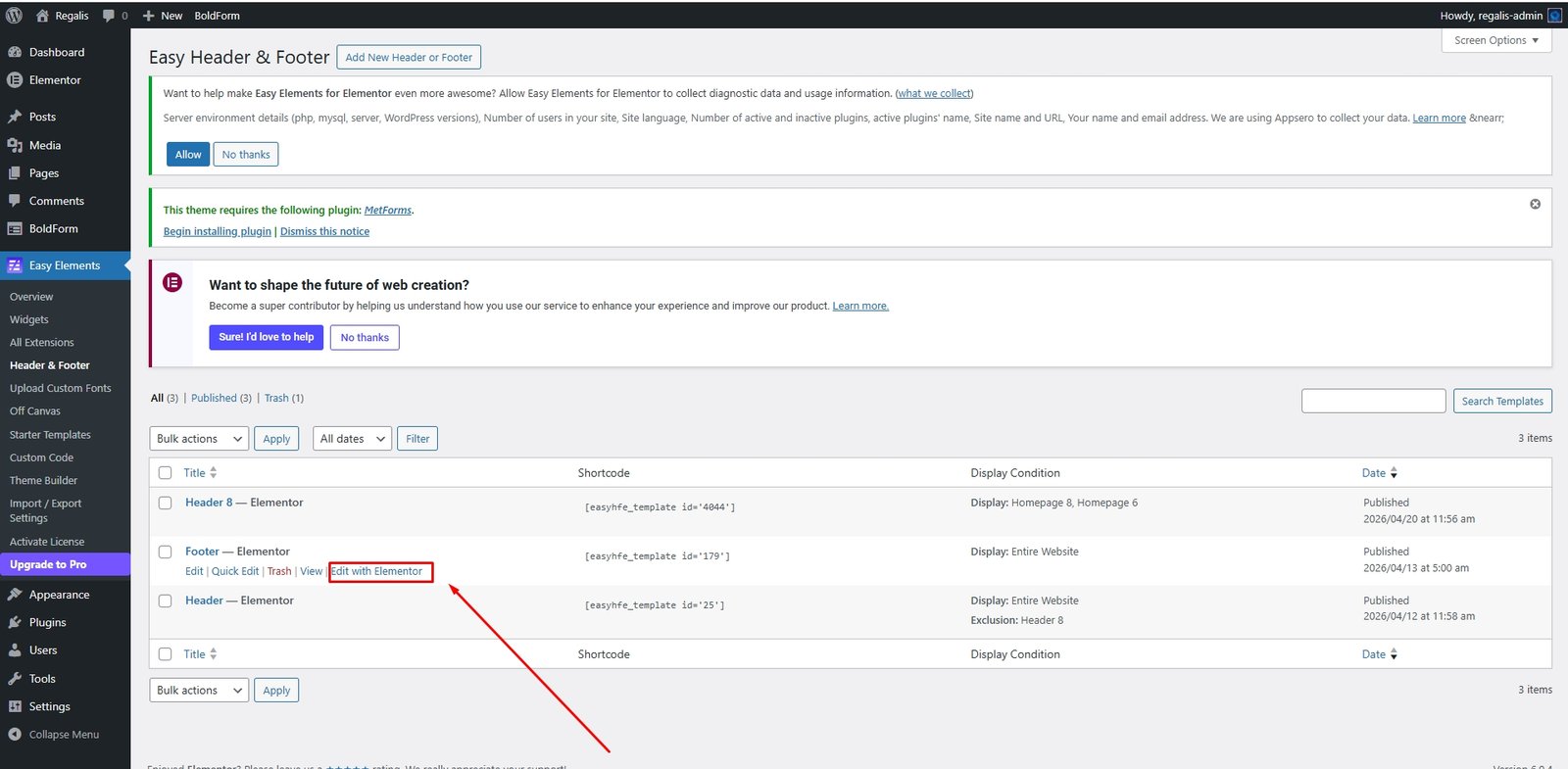
Then you can easily add the site logo, menu, and as like you want using elementor. You can add anything using drag & drop system. Just click Edit with Elementor link.
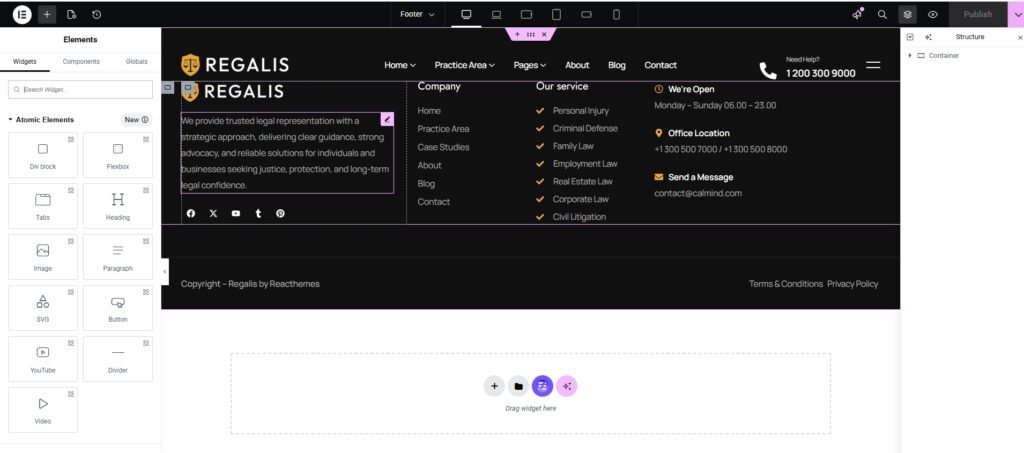
Here is the Footer Builder interface. You can add anything you need to your footer, and all Elementor widgets work here as well.