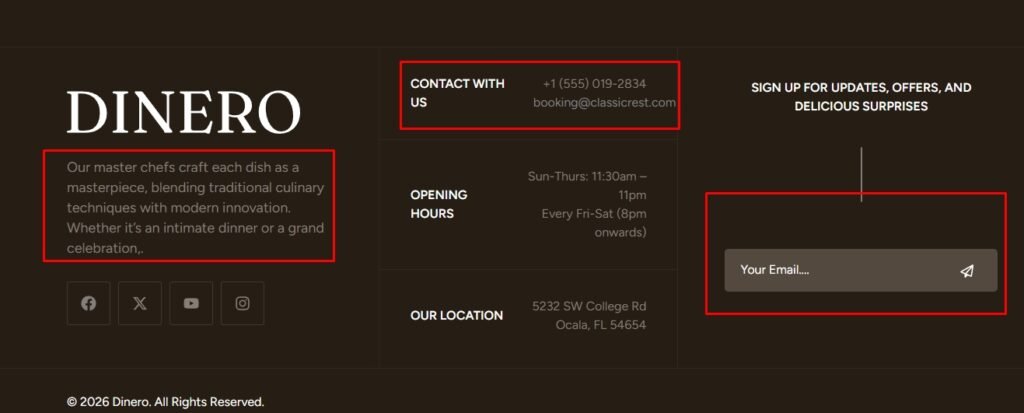
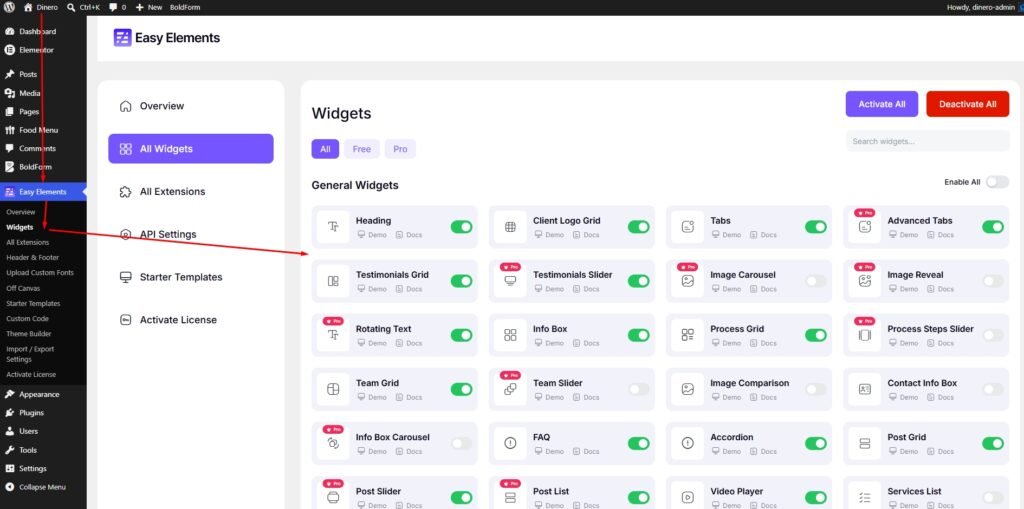
You can enable or disable any widget from our Easy Elements plugin. Simply navigate to Easy Elements → Widgets, where you’ll find the widget management interface. From there, you can easily turn any widget on or off as needed.
Then you will see default elementor preview check below
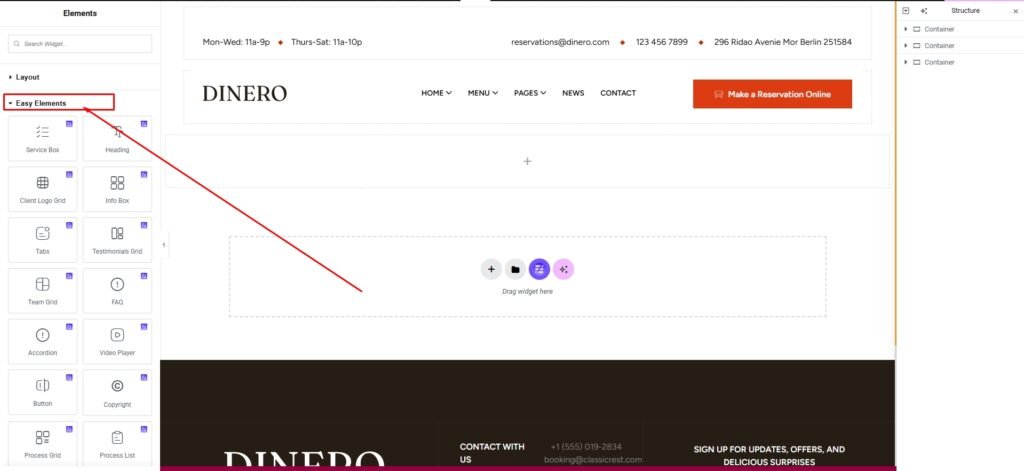
Then, you choose an any widget, drag and drop it from the left area to the right panel