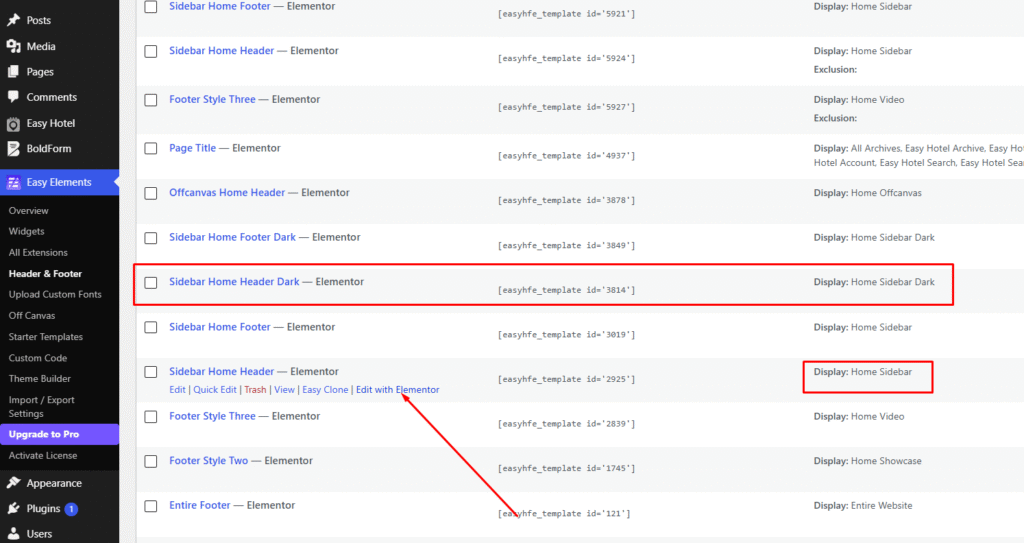
Go to Easy Elements – Header & Footer option.
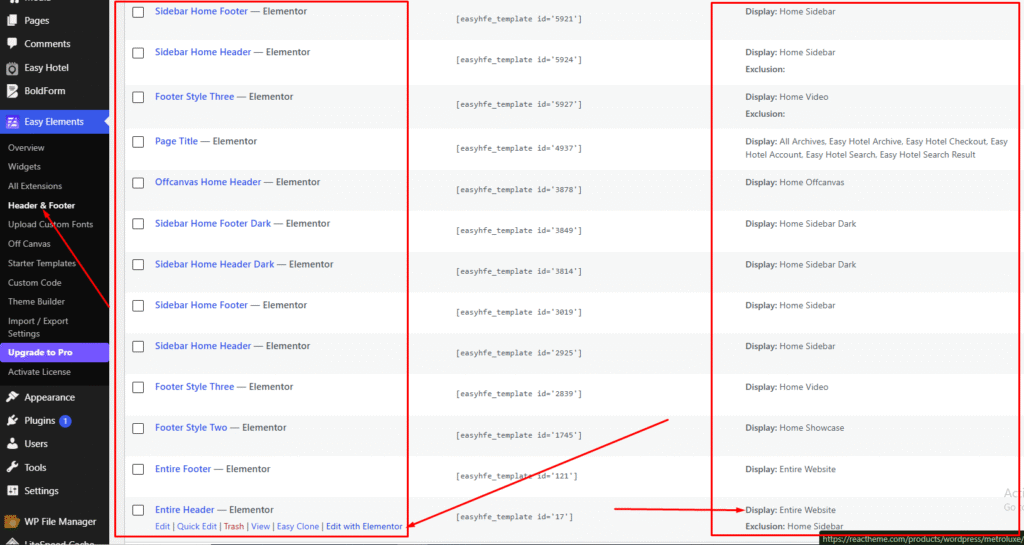
Then you will get All header Layouts here and you can make your new header as well.
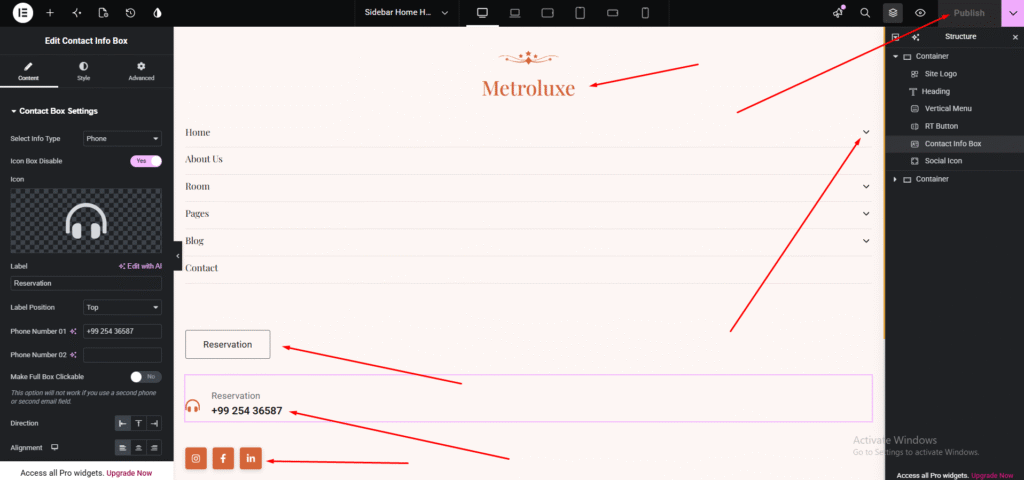
Then select your header you want to edit and just click to edit with elemtentor. To update any content, select the desired item from the left sidebar, make your changes, and click Publish to apply them.
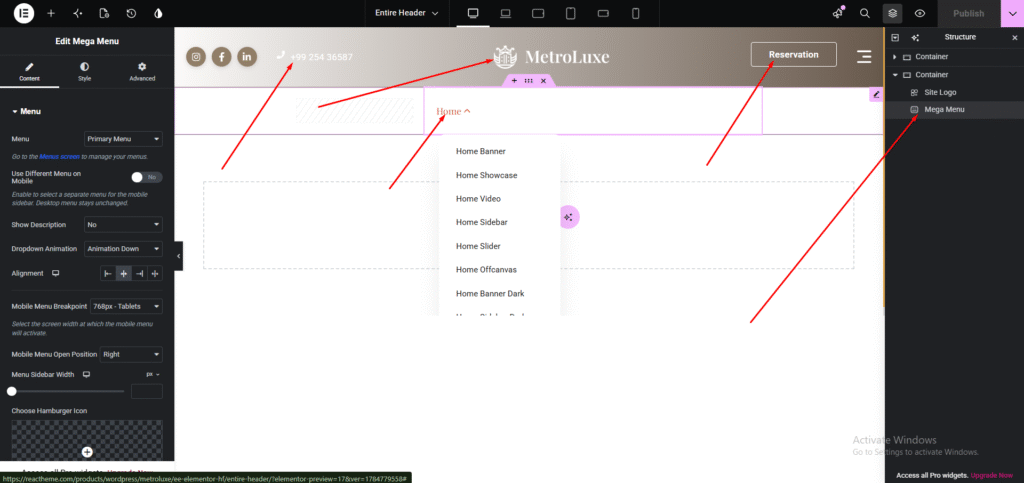
Then you can easily add the site logo, menu, and as like you want using elementor. You can add anything using drag & drop system
You can change the sticky header background color from here.
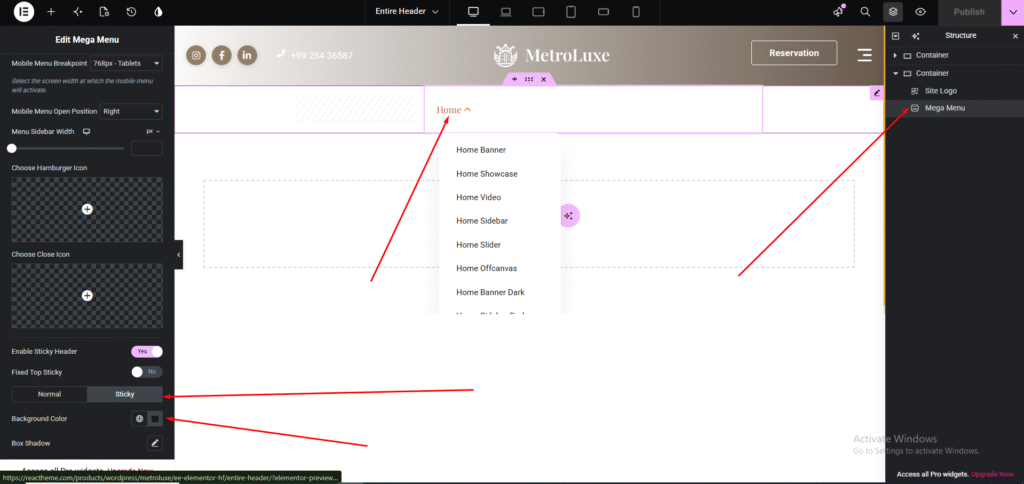
Use this option to customize the content of the Home sidebar menu.