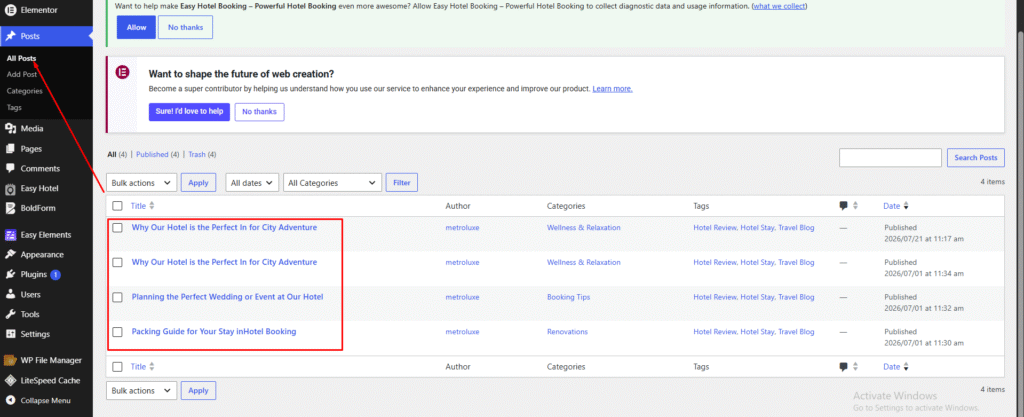
When you want to use Archive Page Templates, here’s what to do:
- Go to your WordPress Dashboard.
- Navigate to Easy Elements → Theme Builder.
- Open the Blog Template section.
- Click “Edit with Elementor” to design or customize your archive page.
- Once you’re done, Save & Publish the template.
- Your blog, category, tag, and other archive pages will automatically use this design.
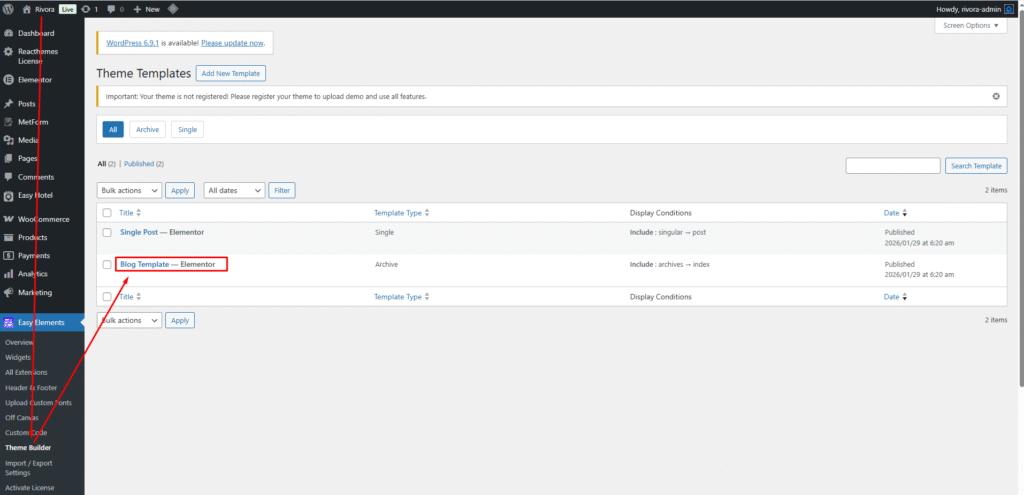
Just click the “Edit with Elementor” link to start designing your archive template.
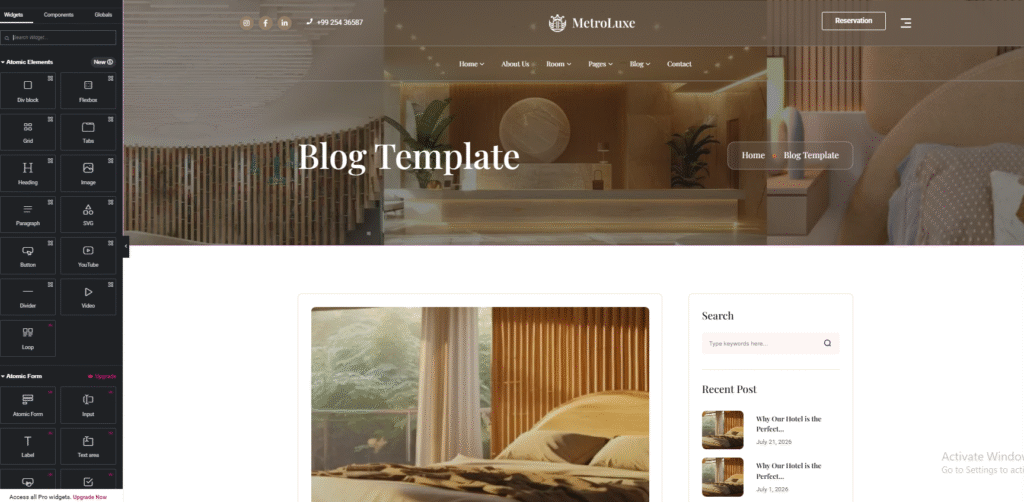
Here is the Blog Archive Template interface. You can add everything you need to your archive page and design your blog archive template in your own style.
Create new posts and edit existing content from here.