1. Begin by navigating to Easy Elements → Header & Footer.
Then you will get All header and footer Layouts here and you can make your new header or footer as well.
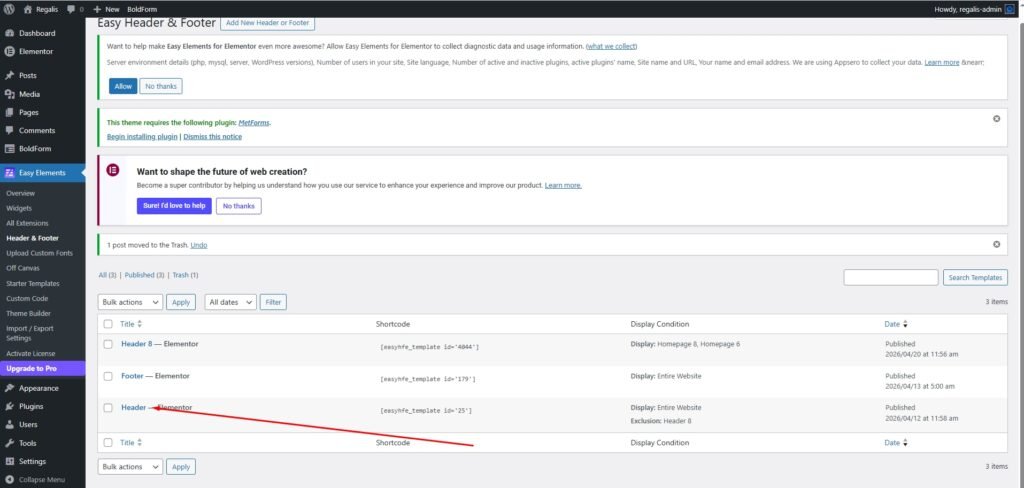
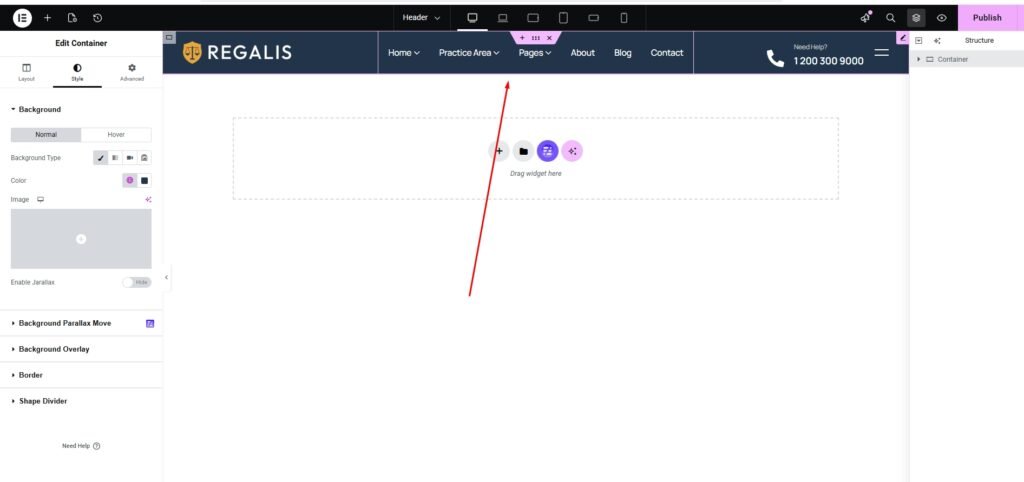
Then, select the header you wish to edit and click Edit with Elementor.
You can easily add your site logo, navigation menu, and other elements using Elementor. With its intuitive drag-and-drop interface, you can customize the header or footer exactly as needed. All our themes follow the same approach, allowing you to modify header and footer content effortlessly.
You can now add any elements to your header as needed.