
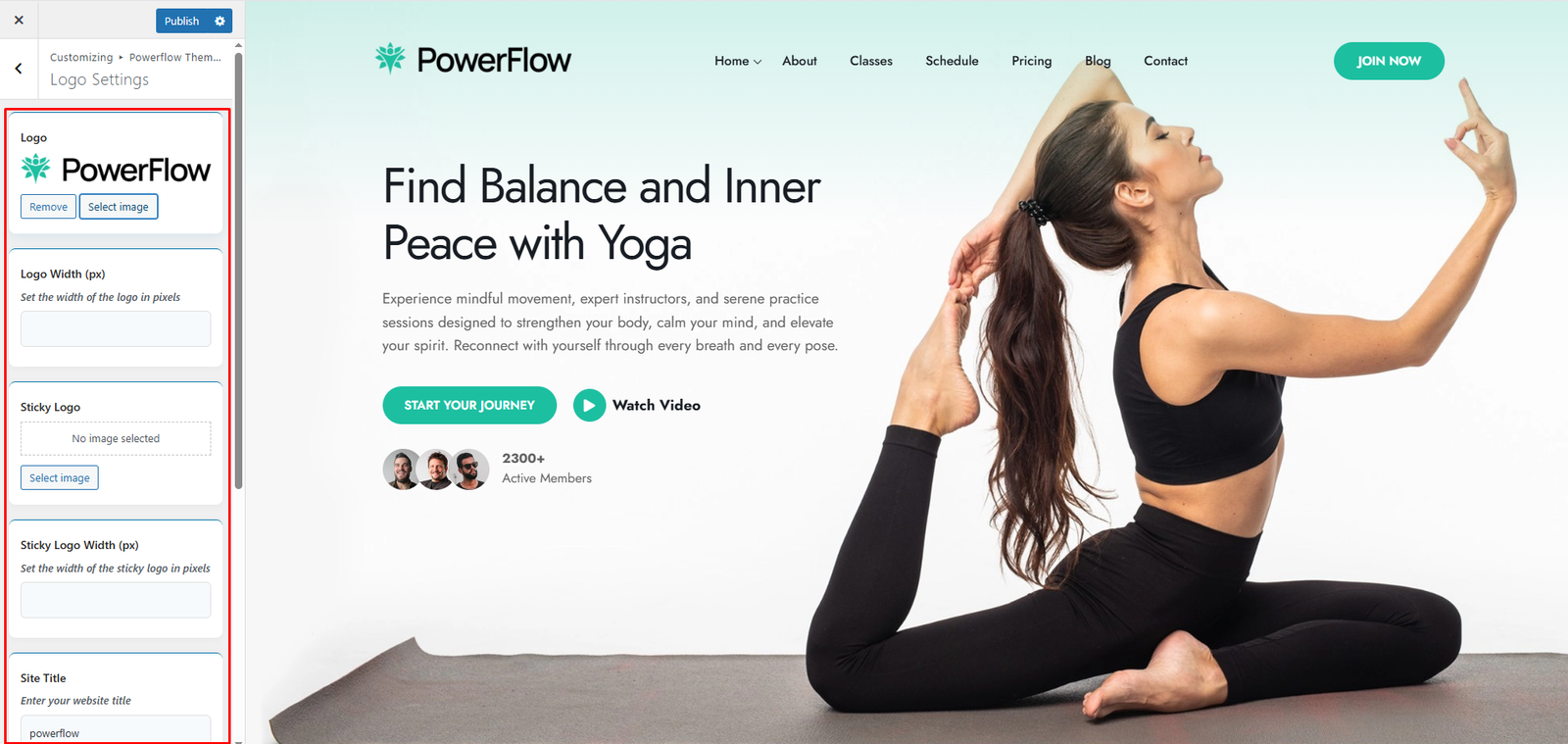
Appearance -> Customizer -> Powerflow Theme Options -> Logo Settings
- Select Site Logo
- Logo Width
- Sticky Logo
- Sticky Logo Width
- Site Title
- Site Tagline
- Publish Changes
We Using the Header & Footer Builder
– You can fully design your own header and footer with the builder.
– This option lets you add your own logo, menu, buttons, and customize everything the way you want.
– We recommend setting your logo using the Logo Widget inside our Header Builder. You can manage everything there.
However, if you prefer, you can also set your logo here and adjust its size and other settings.