
Appearance -> Customizer -> Renovast Options -> Color/Typography
If you want to change your site elementor global settings click this button.
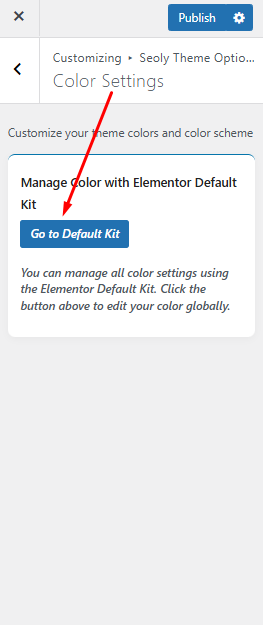
Click Go to Default Kit button and going this this elementor global site settings option.

Click the Global Colors link to access Elementor’s global color settings.